Built for ARD Mediathek
Open videos on ardmediathek.de and use Dual Subtitles when an ARD video includes a German subtitle track.
ARD Mediathek support
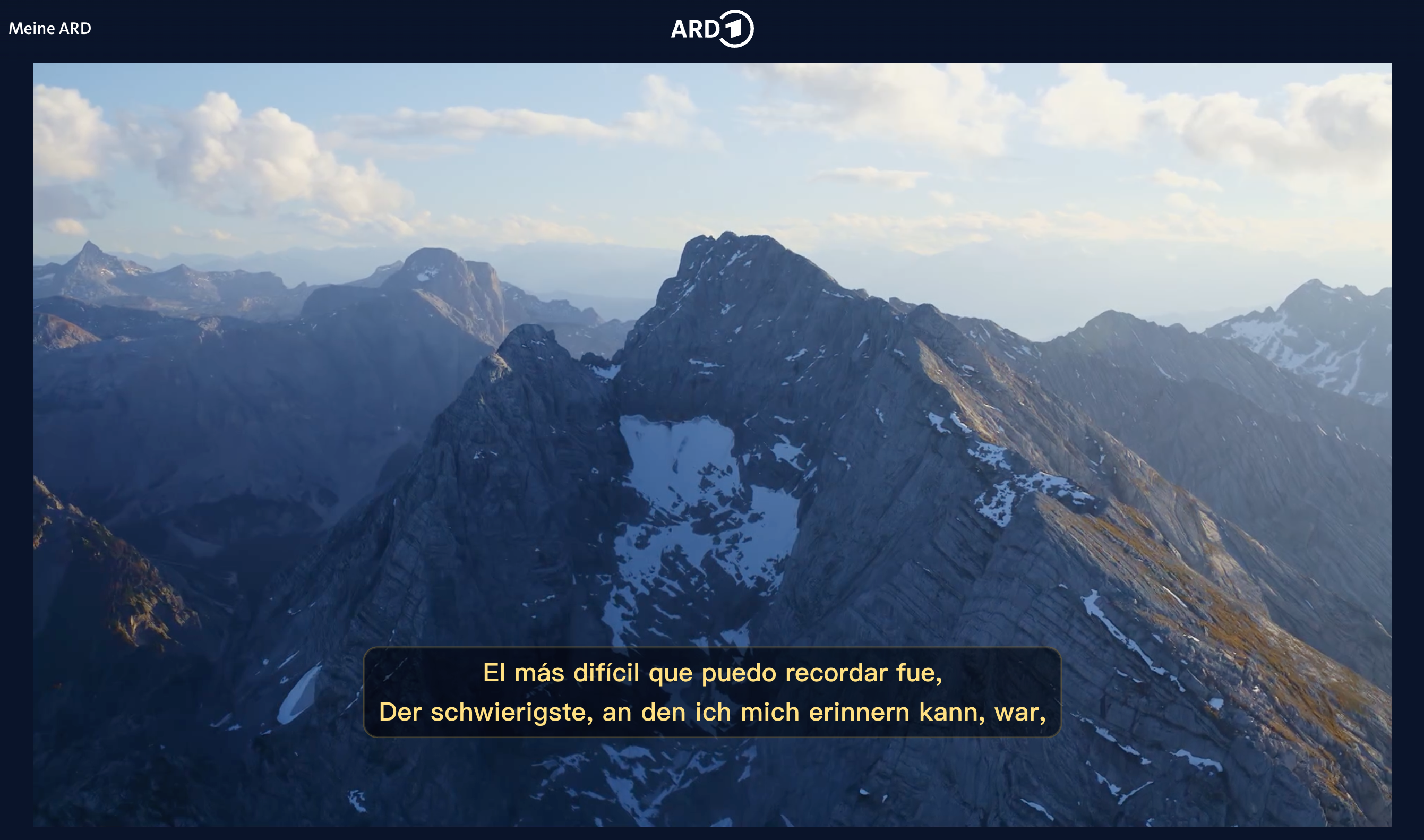
Use Dual Subtitles on ardmediathek.de to translate available German captions into English and other languages while keeping the original German subtitle visible.
Direct answer
Dual Subtitles for ARD & ZDF is designed to work with ARD Mediathek at https://www.ardmediathek.de/. It reads the German subtitle track from supported ARD Mediathek videos and displays a translated subtitle line with the original German line.
Use it to watch ARD Mediathek with English subtitles, follow German news and documentaries more easily, or turn public-broadcast video into bilingual listening and vocabulary practice.
ARD subtitle support
Open videos on ardmediathek.de and use Dual Subtitles when an ARD video includes a German subtitle track.
Keep the original German line visible while a translated line appears with it, so you can listen, read, and understand at the same time.
Turn documentaries, news, culture, shows, and public-broadcast content into practical German listening practice.
Translate German subtitles into English, Spanish, French, Japanese, Korean, Chinese (Simplified), Chinese (Traditional), Arabic, and 19 more languages.
Hover over individual words in the German subtitle to see an instant translation.
Adjust the style and position of the original German and translated subtitle lines independently.
How it works
Add the extension to Chrome or another Chromium-compatible browser from the Chrome Web Store.
Go to ardmediathek.de, choose a video, and make sure the video offers German captions or subtitles.
Choose your translation language and watch with the German subtitle and translated subtitle shown together.
Real viewing context
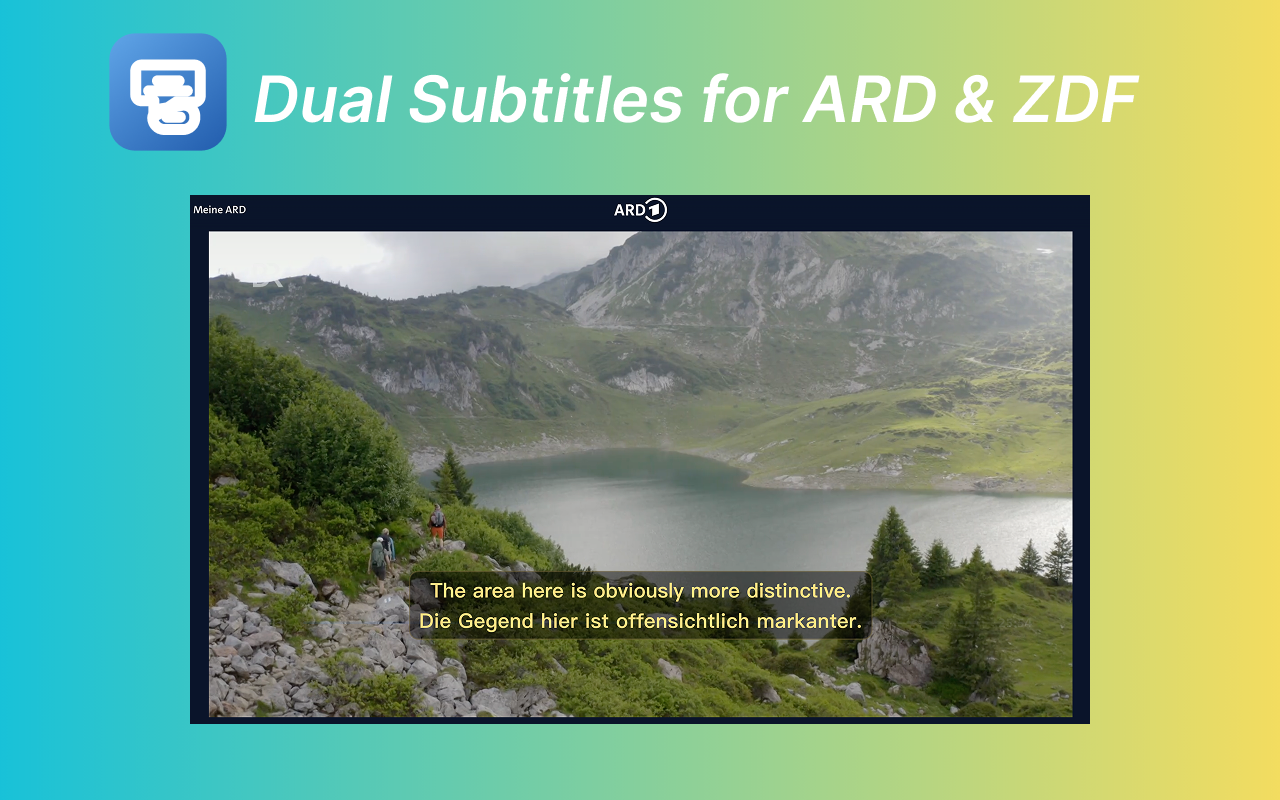
The extension overlays translated subtitles in sync with the original subtitle timing, so ARD Mediathek can be easier to follow without replacing the German you are trying to learn.
FAQ
Yes. Dual Subtitles supports ARD Mediathek on ardmediathek.de when the selected video provides a German subtitle track.
Yes. The extension can show translated English subtitles together with the original German subtitles for supported ARD Mediathek videos.
No. The extension depends on the subtitle track provided by the video. If a video does not offer German subtitles, Dual Subtitles has no subtitle source to translate.
No. Dual Subtitles for ARD & ZDF is an independent Chrome extension and is not affiliated with ARD.
Yes. Hover over a word in the German subtitle to see an instant translation.
Yes. You can customize the style and position of the original German and translated subtitles independently.
Install Dual Subtitles, open an ARD Mediathek video with German subtitles, and follow the original German with a translated line.
Add to Chrome