Watch ARD Mediathek with English subtitles
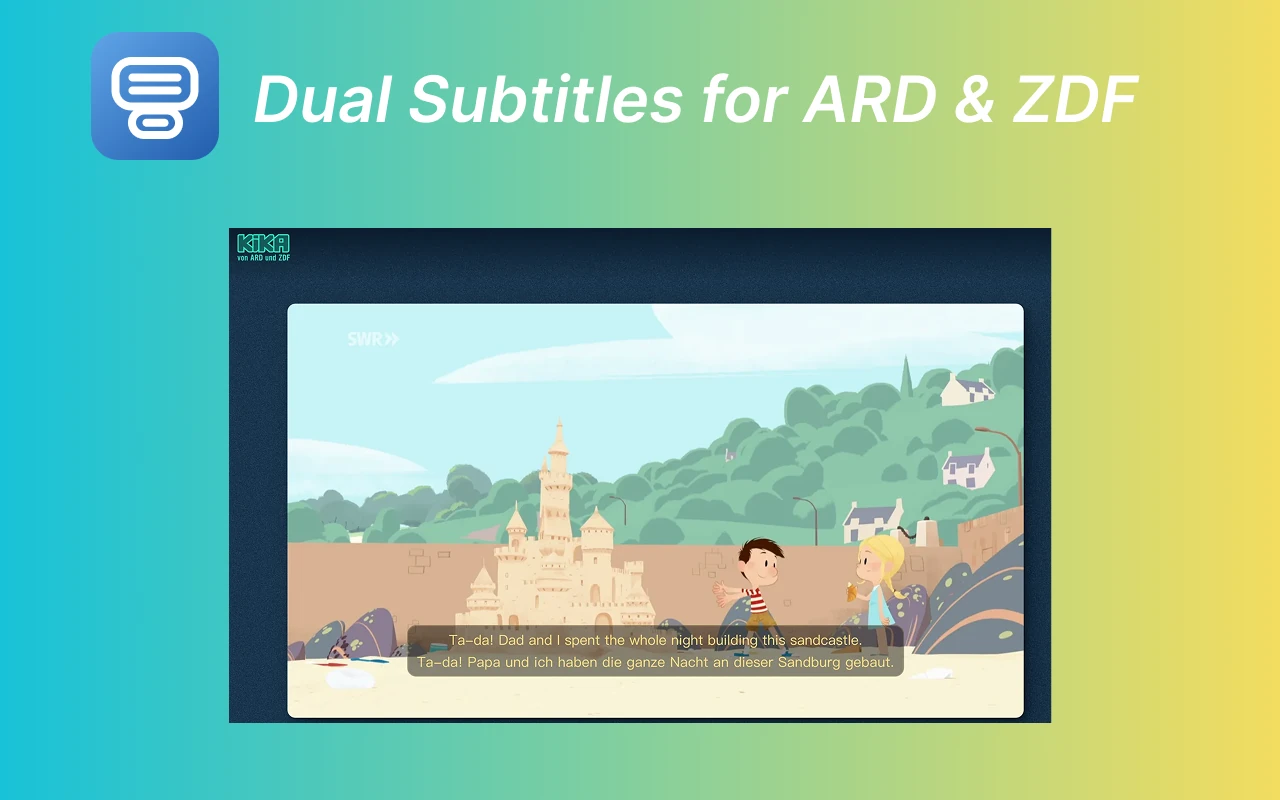
Show German and English subtitles together on supported ARD Mediathek videos, with 43 other translation languages available.
 Dual Subtitles for ARD & ZDF
Watch ARD, ZDF, KiKA, and Tagesschau with German and translated subtitles together. Hover for a quick translation, or click a word for its German definition and examples.
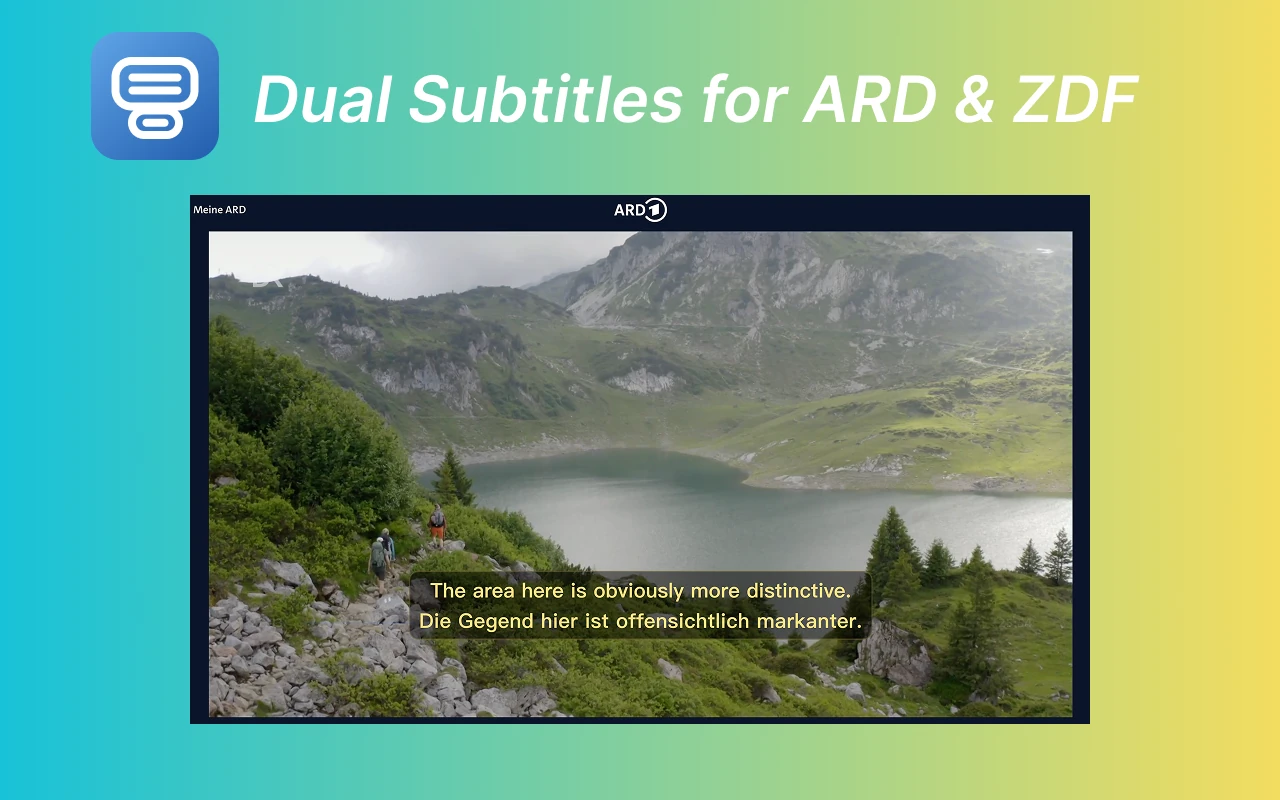
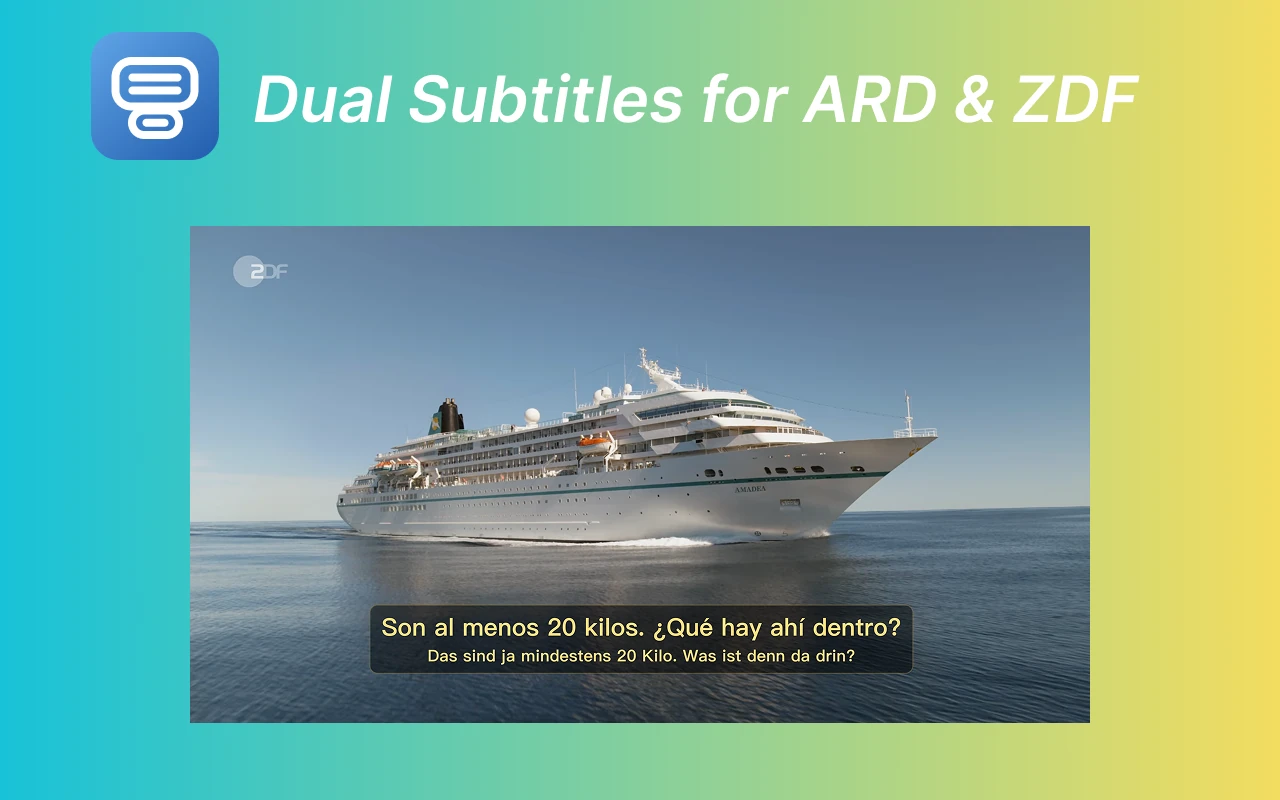
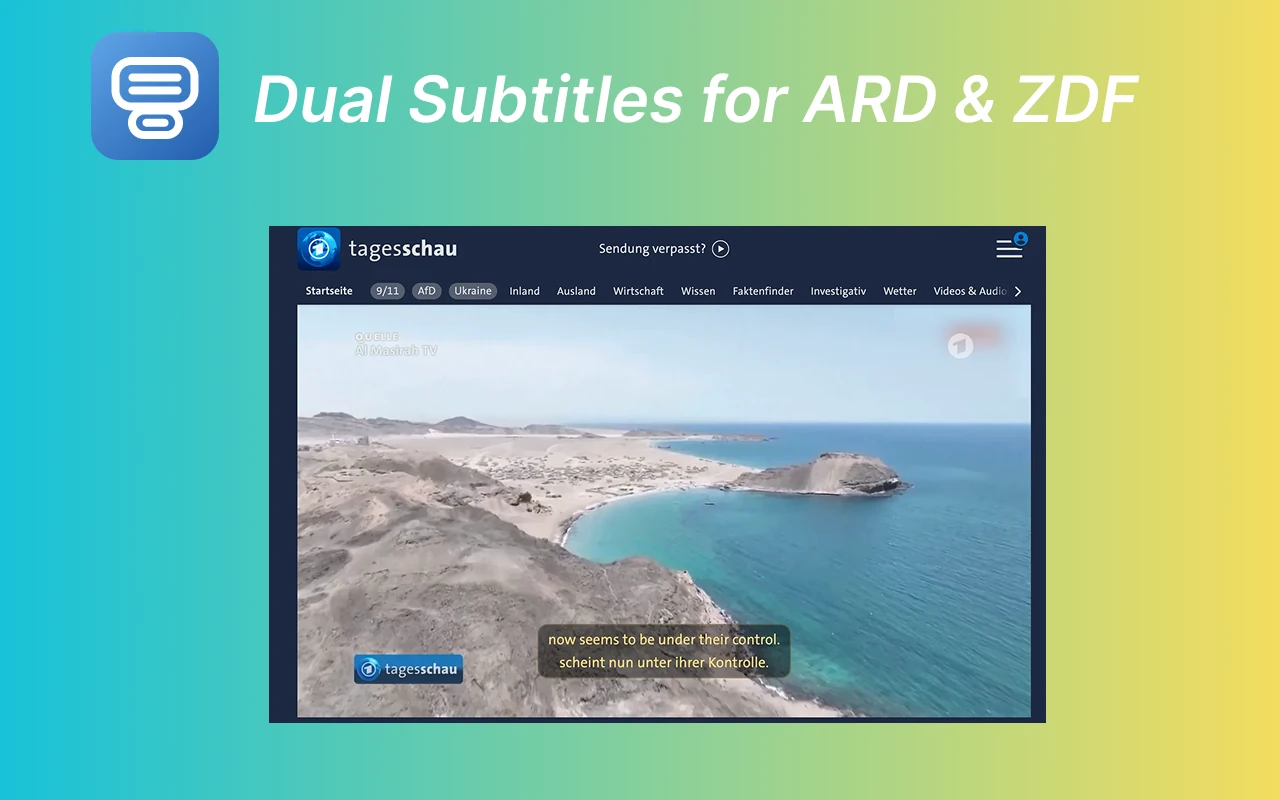
SUPPORTED PLATFORMS
Use bilingual subtitles directly on the video platforms you already know.
Keep the original German subtitle on screen and follow the translation alongside it in real time.
MADE FOR REAL-LIFE LEARNING
No textbook dialogue. No stopping every ten seconds. Follow authentic news, stories, and shows with just enough support to stay in the moment.
Show German and English subtitles together on supported ARD Mediathek videos, with 43 other translation languages available.
Add translated subtitles to supported ZDF videos while keeping the original German captions visible.
Click a subtitle word to see its pronunciation, part of speech, German definitions, and examples without leaving the video.
Install the Chrome extension, choose your language, and customize how both subtitle lines look and where they appear.
A gentle bridge between understanding nothing and understanding naturally.
Follow the original German line and your translated line side by side while the video plays.
Get a quick translation on hover, then open pronunciation, German definitions, and examples with one click.
Build listening skill, vocabulary, and overall understanding through real German video content.
Install quickly, pick your language, and start watching with a simpler, smoother subtitle experience.
Install Dual Subtitles from the Chrome Web Store in one click.
Play a video on ARD, ZDF, KiKA, or Tagesschau with an available German subtitle track.
Choose your language, hover for a quick translation, or click a German word to open its dictionary entry.
Try bilingual subtitles with limited usage, or unlock unlimited translated subtitles with a monthly or yearly plan.
Limited usage
Try bilingual subtitles before choosing a paid plan.
Billed monthly
Unlimited translated subtitles with flexible monthly billing.
€3.25 per month
Unlimited translated subtitles for the full year.
GOOD TO KNOW
Everything you need to start watching German media with a little more confidence.
Yes. Dual Subtitles shows the original German subtitle line together with a translated subtitle line, including English and many other languages.
The extension supports ARD Mediathek, ZDF, KiKA, Tagesschau when a video has an available German subtitle track.
Yes. Dual Subtitles for ARD & ZDF installs from the Chrome Web Store and works in Chrome or Chromium-compatible browsers.
Yes. It is built for German learners who want listening practice, vocabulary support, and better comprehension while watching real German media.
Yes. Click a word in the German subtitle to open its pronunciation, part of speech, German definitions, and examples from German Wiktionary. Recent lookups are cached for faster access.
Supported languages include English, Spanish, French, Italian, Japanese, Korean, Arabic, Russian, Turkish, Dutch, Polish, Ukrainian, Hindi, Chinese (Simplified), Chinese (Traditional), Indonesian, Vietnamese, Thai, Malay, Romanian, Bengali, Urdu, Persian, Hebrew, Filipino, Azerbaijani, Portuguese (Brazil), Portuguese (Portugal), Swedish, Danish, Finnish, Norwegian, Czech, Slovak, Hungarian, Greek, Bulgarian, Croatian, Slovenian, Estonian, Latvian, Lithuanian, Serbian, Albanian.
Yes. You can customize the appearance and position of both the original German subtitles and the translated subtitles independently.
Start with the shows you already want to watch. We’ll bring the subtitles.
Add to Chrome — Try free